Overview
During my self study block in Year 3, I worked together with 2 other programmers to create a raytracing extension for Godot.
Key Contributions
- Setup the raytracing pipeline.
- Added functionality to create BLAS and TLAS acceleration structures.
- Created the Raygen, Hit and Miss shaders.
- Improved the Shader Binding Table.
- Added Bindless Rendering support.
- Added Material Rendering support.
Pipeline Overview
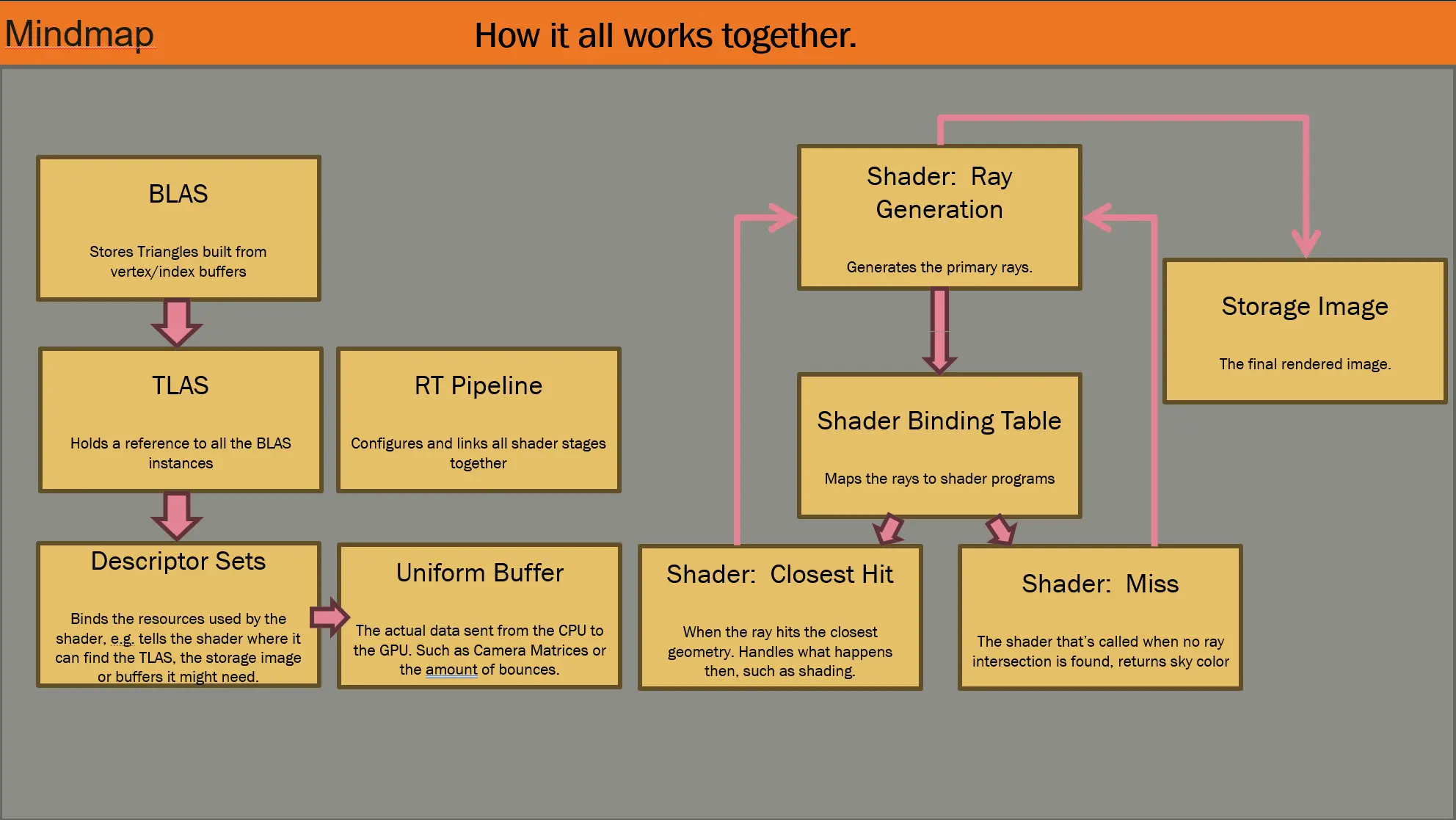
This diagram gives a high level overview of how the raytracing components work together.
We have an instance buffer which is used to identify which object was hit. The vertex data of this instance is provided by the BLAS, which is essentially the geometry data. A BLAS is a bottom level acceleration structure, and we make one for each object in the scene. These BLASSES are held by the TLAS, which holds a reference to all of them. Using the TLAS we can create an accelerations tructure, which we send to the GPU by using descriptor sets. The descriptor sets bind the resources defined in the descriptor heap to the shader, so the shader knows where in memory to find the resources. Finally the Shader Binding Table tells the program what shader stage to invoke and where in memory to find the code for it. For example when the ray dispatched from the Raygen shader hits something, the SBT tells the program where in memory to find the “closest_hit” code that it needs to execute, if the ray misses the “miss” shader stage is executed.
Engine Architechture
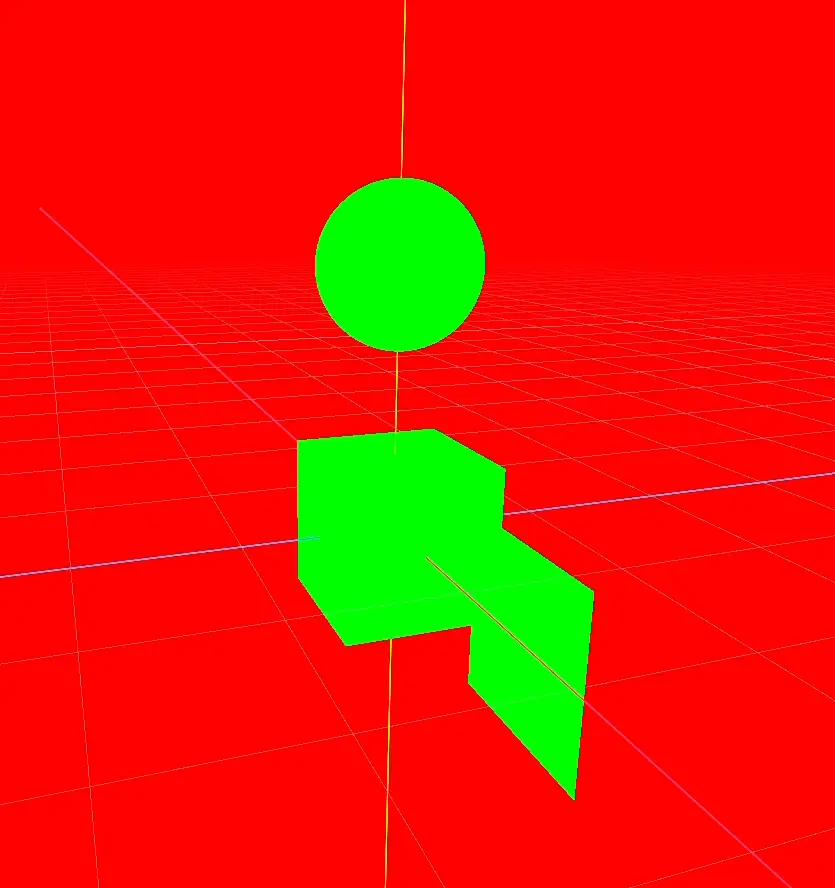
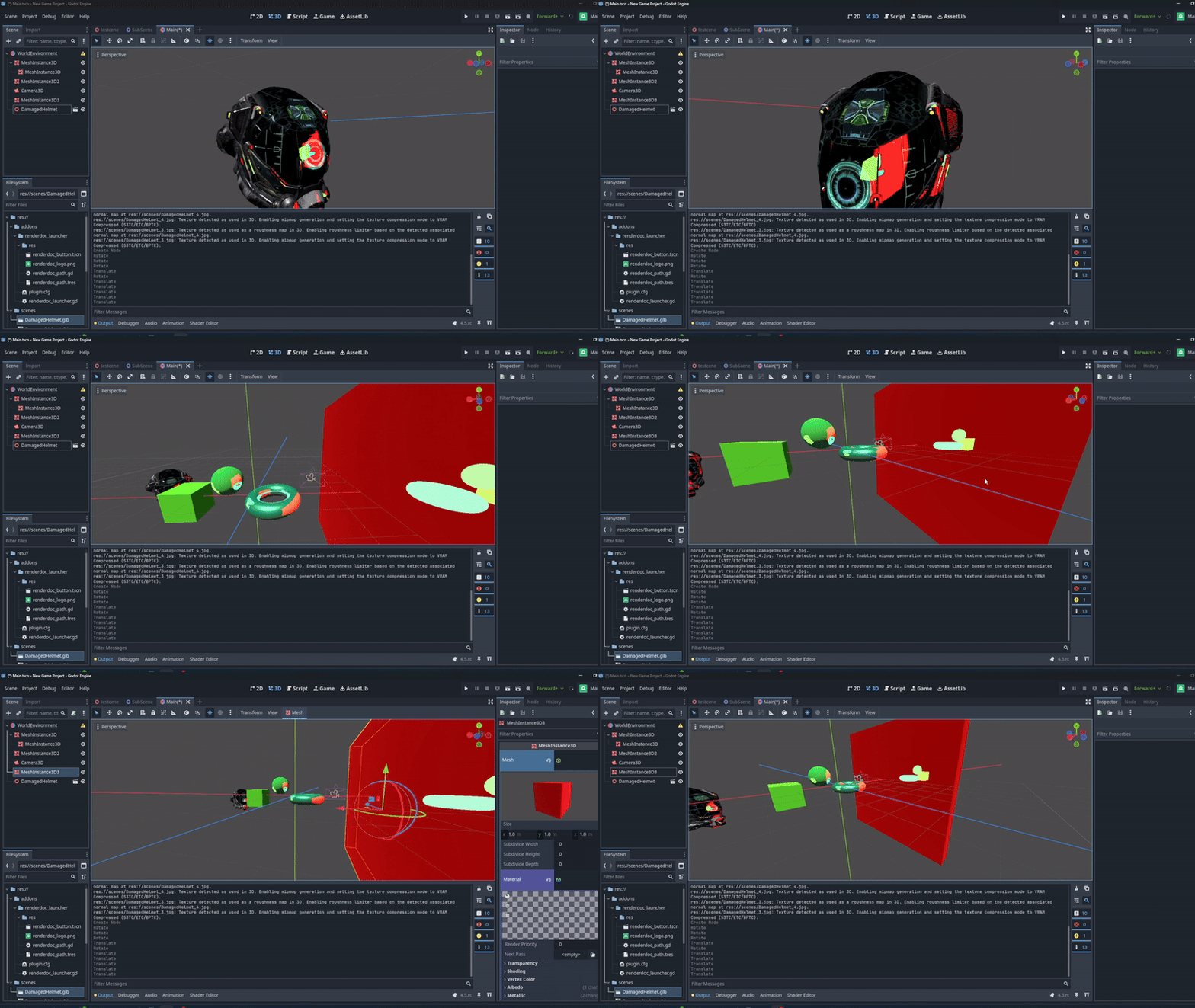
Hit and Miss shader visualized
Bindless
Godot does not inheritly support bindless. The only way the engine supports multiple textures is if a static array of textures is defined in the shader. The extra limitation of this is that every texture in this array has to share the same resolution.
I deemed it important for the raytracer to be able to render any amount of textures, without the user needing to worry about their resolutions, or over-allocating texture slots.
implementation details can be found on my blog (once its online…)
Individual textures for each mesh
Results & Reflections
This was the most challenging project so far.
In the end we’re proud we achieved to build a working raytracer in 8 weeks. The raytracer is still very bare bones and does not have lighting support, or transparant object support, but we wish to continue polishing the extension over the coming months.
GitHub Repository: Godot Raytracer